Everything you need to answer every visitor
One simple dashboard for live chat, an AI assistant trained on your business, WhatsApp and email, leads and reports. Live chat is free for your whole team.

A shared inbox that is fast and calm
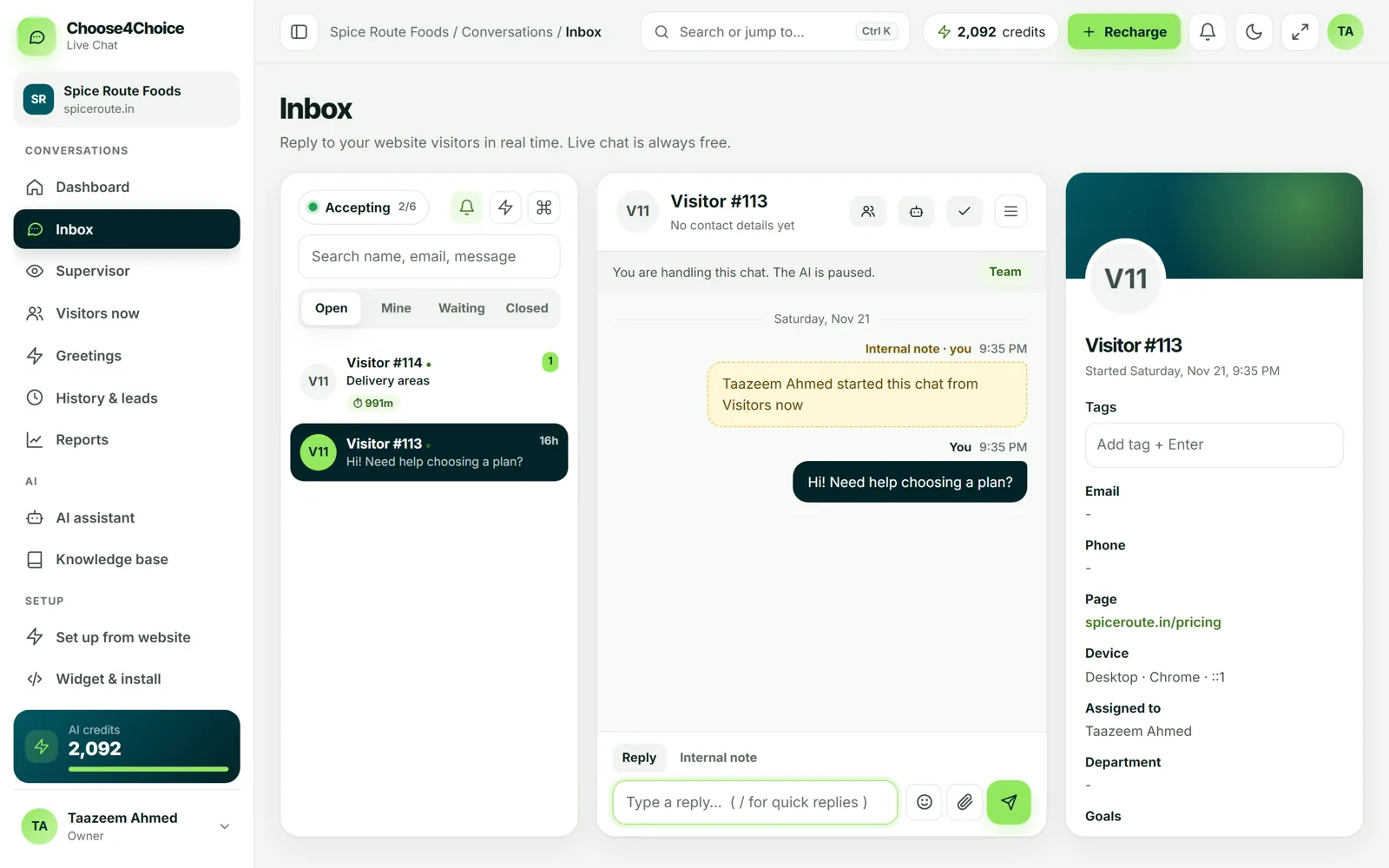
Every chat from your website, WhatsApp, Messenger and Instagram lands in one list. Reply from your computer or phone, and see who the visitor is and which page they are on.
- Open, Mine, Waiting and Closed tabs, plus search
- Internal notes your visitor never sees
- Tags, transfer to a teammate or department
- Quick replies: type / to insert a saved answer
- Keyboard shortcuts for fast replies
- Send files and emoji
An AI that only answers from your information
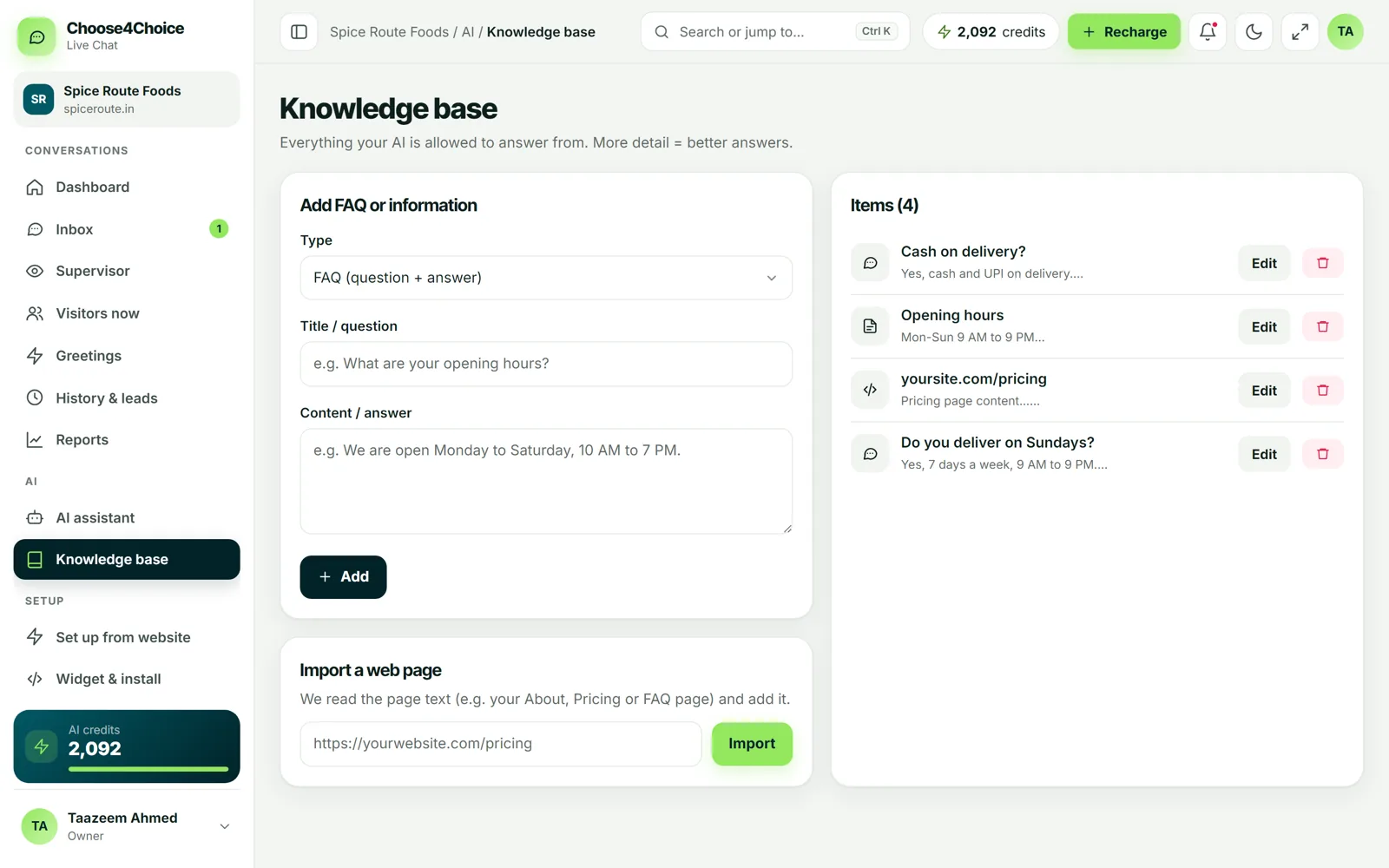
Add FAQs, write notes, or import your website pages. The AI answers visitors from that knowledge and offers a person when it is not sure, so it does not invent prices or policies.
- FAQs, free text and imported web pages
- Test the AI before it goes live
- "Questions the AI couldn't answer" list, so you can teach it
- Visitors can ask for a person at any time
- Set up from your website in about a minute
A chat button that matches your brand
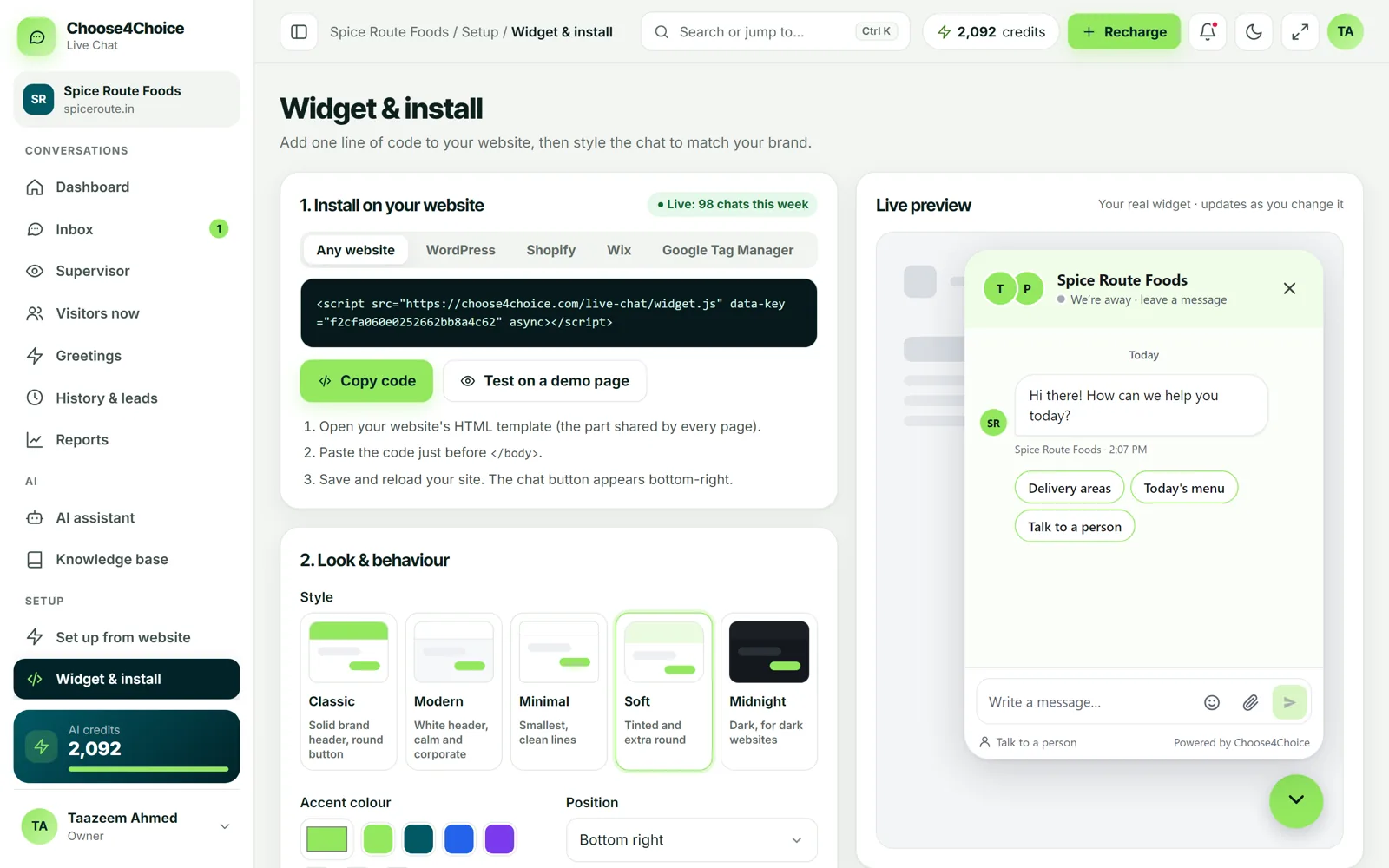
Pick your colour, position, greeting and pre-chat form, and see a live preview. Install by pasting one line of code, or with the WordPress plugin.
- Colour, position and launcher style
- Greeting and away messages
- Business hours
- Optional name, email and phone form
- Domain lock, so only your sites can use your key
See who is on your website right now
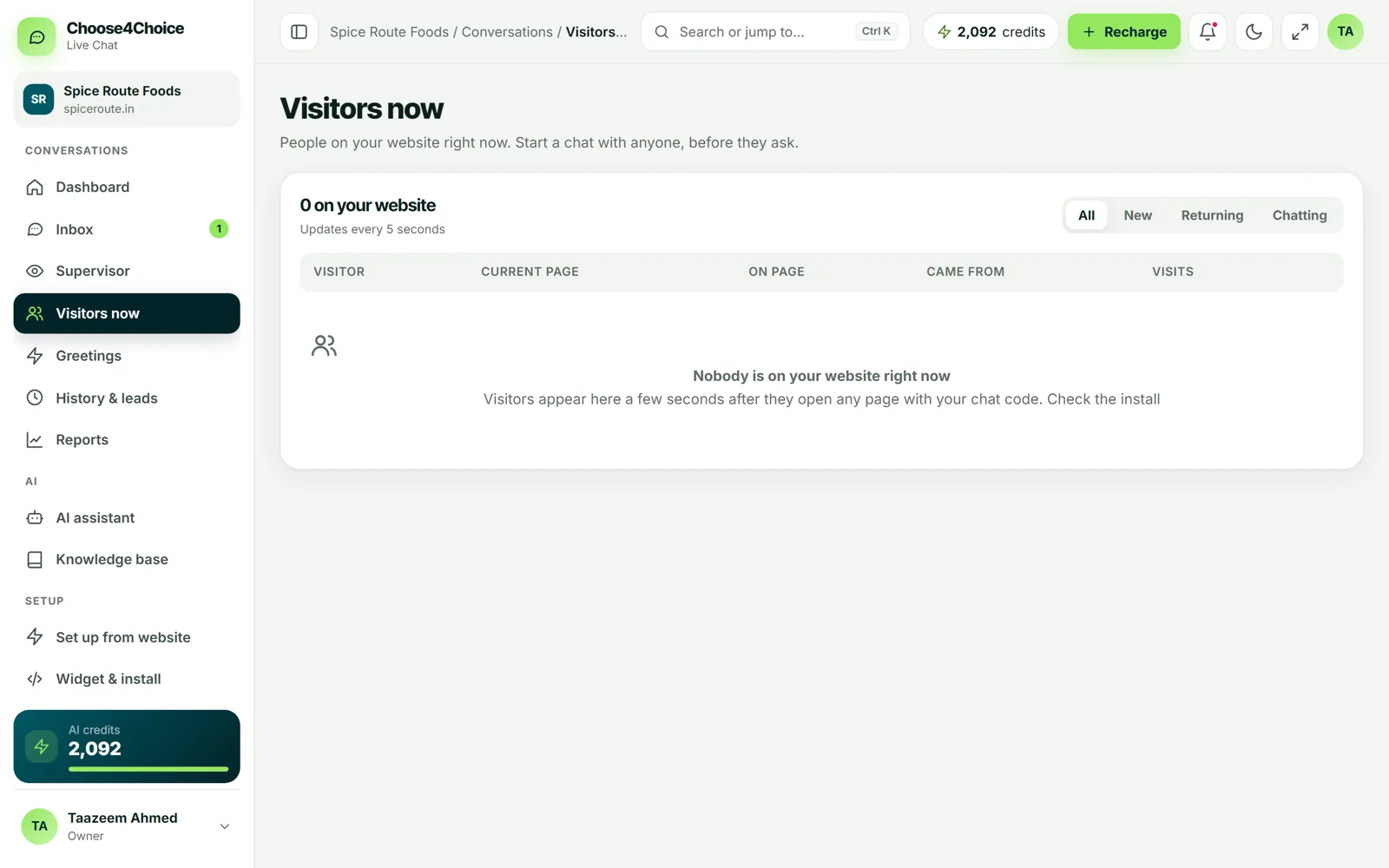
Watch live visitors and the page they are reading, start a chat with one click, or set greetings that pop up automatically on chosen pages.
- Visitors now list with page and device
- Start a chat with any visitor
- Automatic greetings by page or time on page
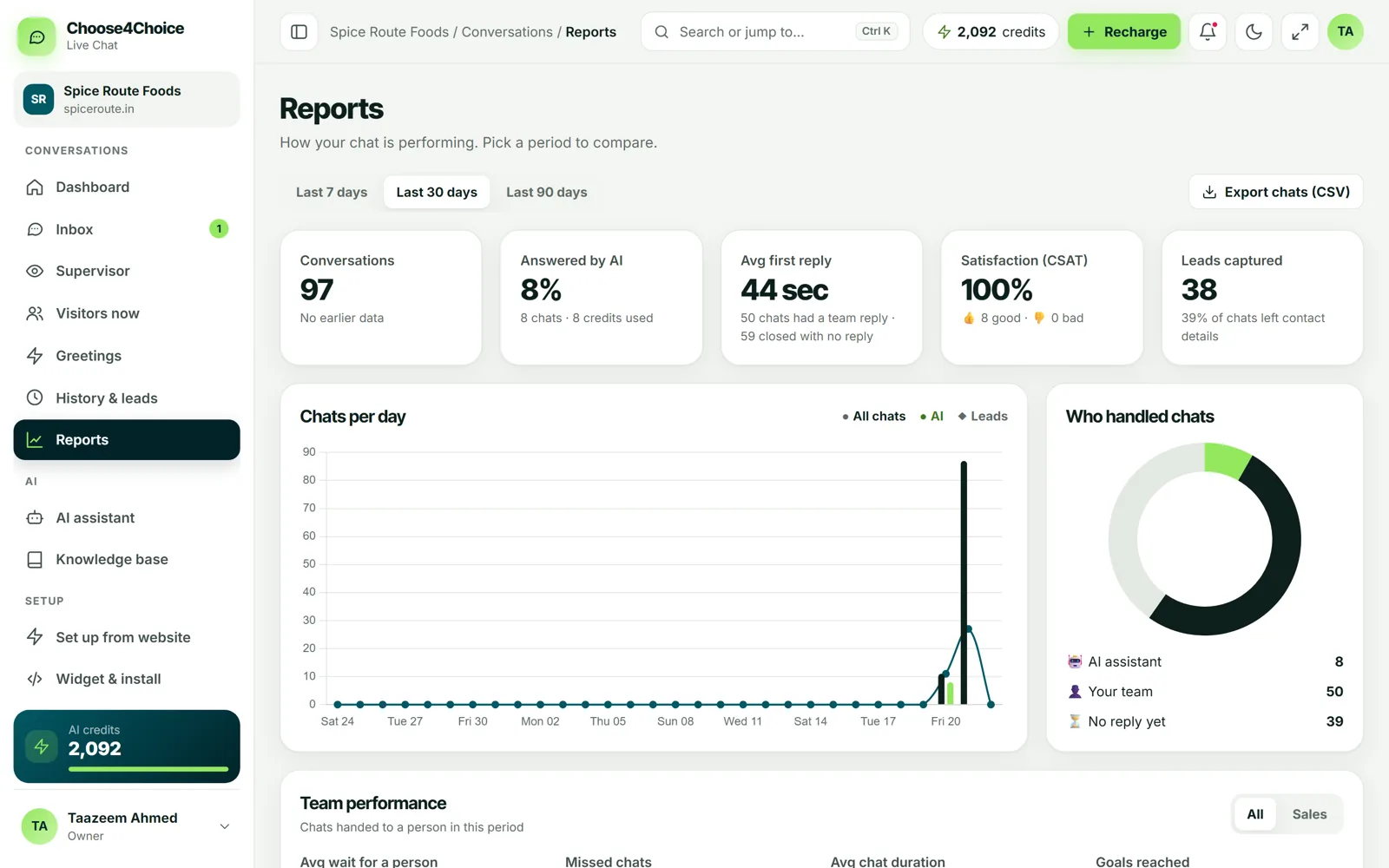
Know what is working
Chats per day, how many were answered by the AI, first-reply time, satisfaction, leads captured and team performance, for the last 7, 30 or 90 days.
- Chats per day, busiest hours, top pages
- AI share, credits used and knowledge gaps
- Satisfaction (thumbs up / down)
- Team performance and activity
- Export chats to CSV
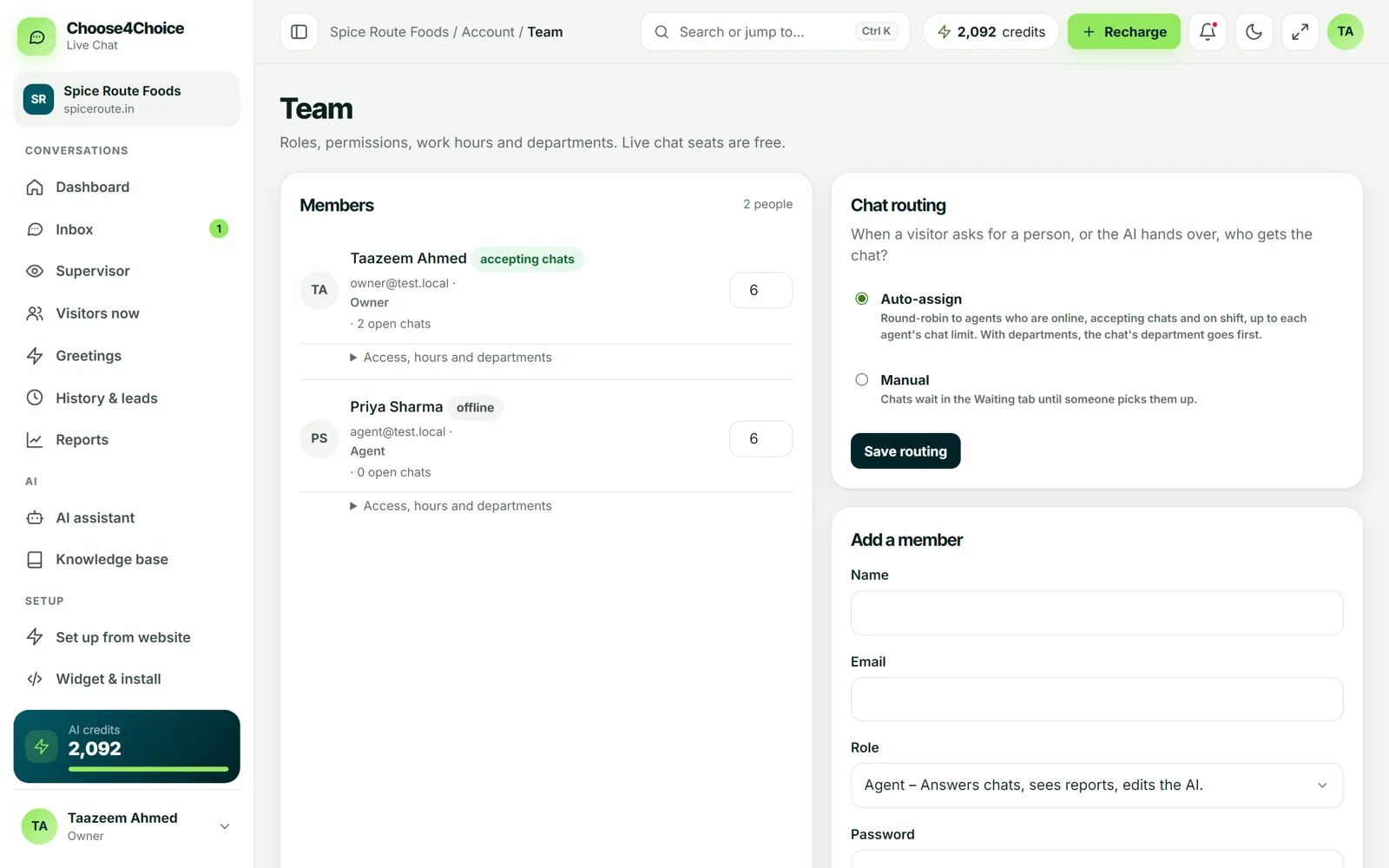
Work together, free
Invite as many teammates as you need. Use departments and chat routing to send each chat to the right person, and watch open chats from the supervisor view.
- Unlimited agents at no cost
- Owner and agent roles
- Departments and chat routing
- Supervisor view of agents and open chats
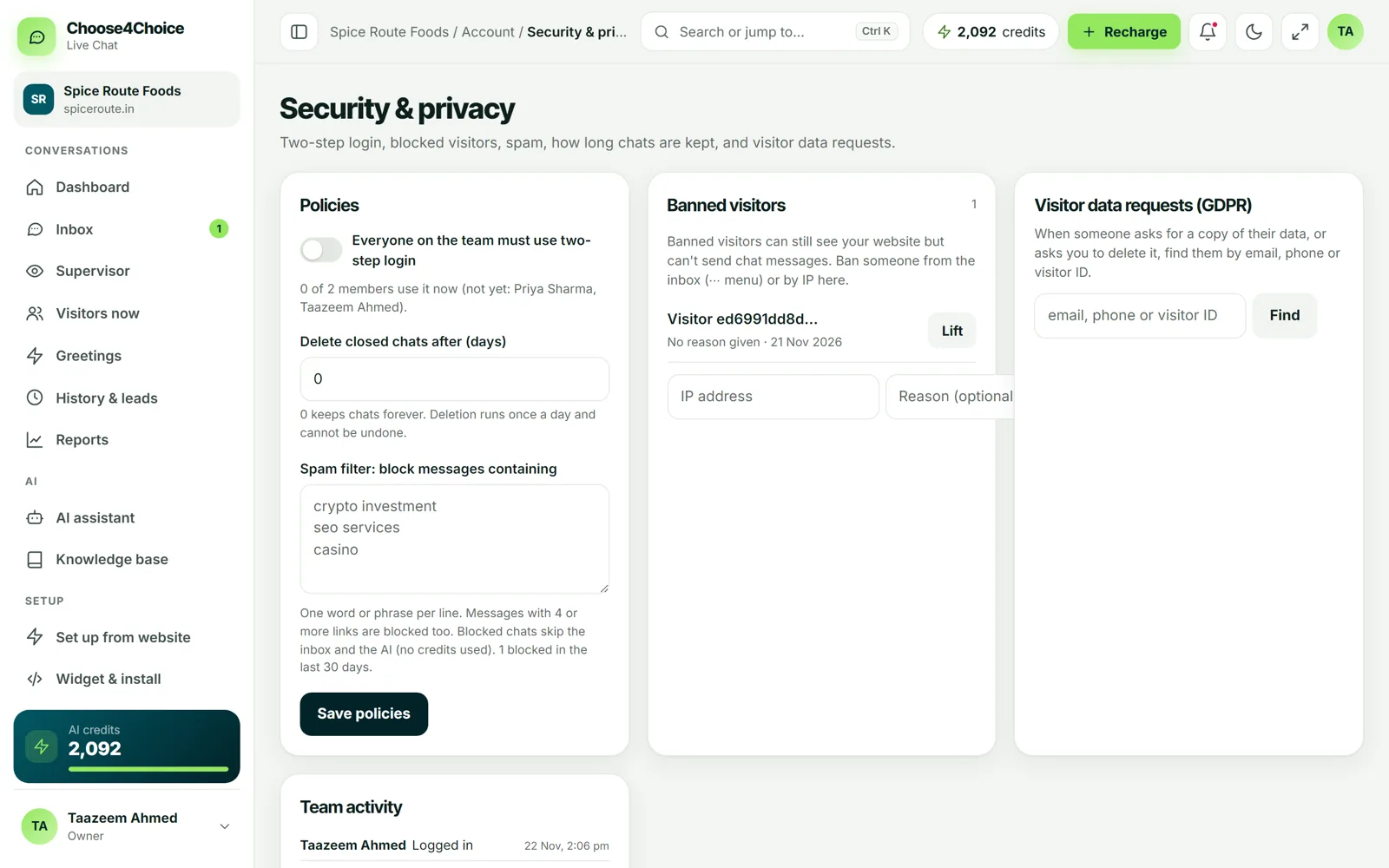
Safe for your business and your visitors
Protect logins with two-step verification, ban abusive visitors, and handle data requests from visitors in a few clicks.
- Two-step login for every team member
- Ban visitors
- GDPR export and delete for visitor data
- Team activity log
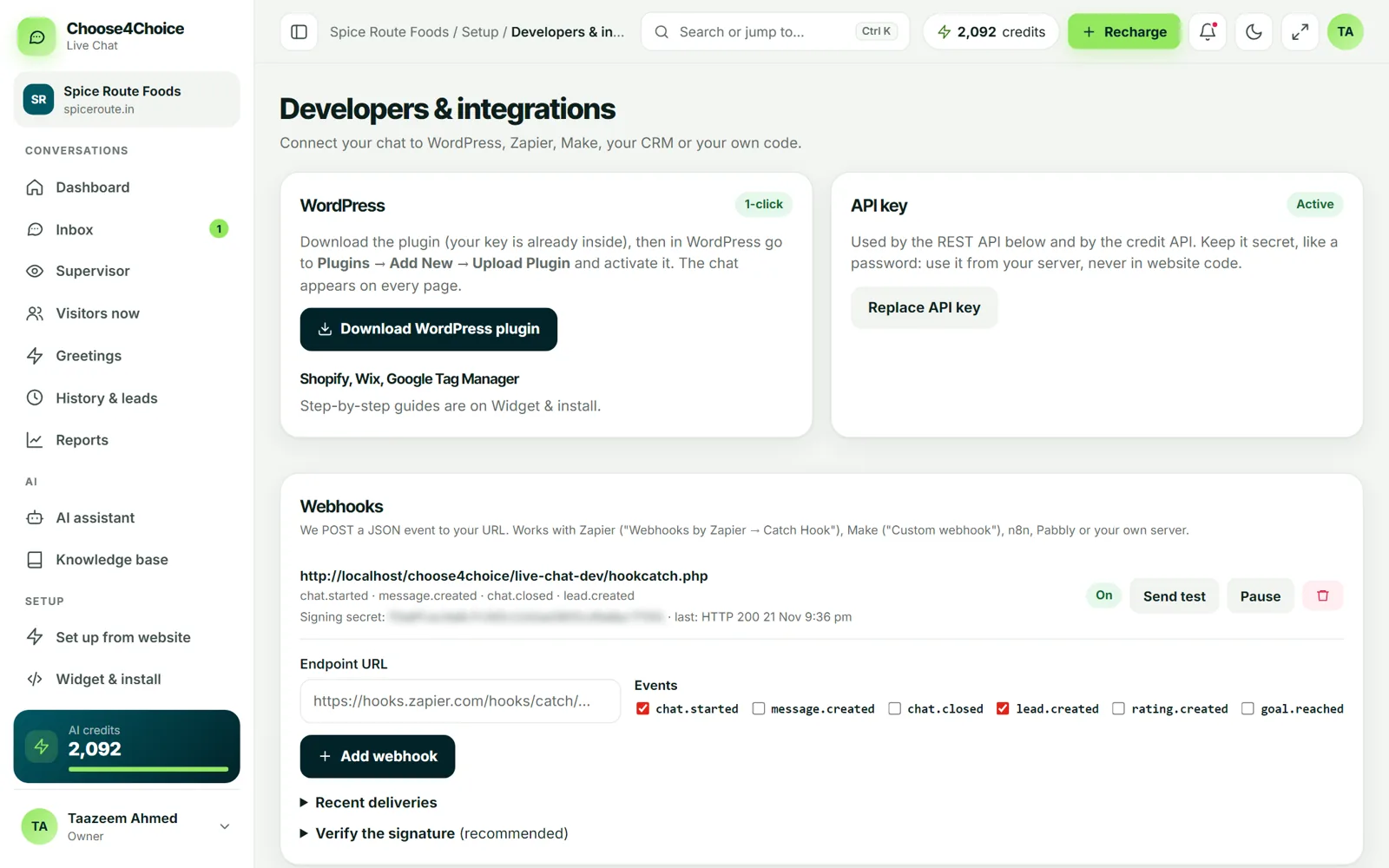
Connect it to your other tools
Use an API key and webhooks to send chats and leads to your CRM, or control the widget with the JavaScript API.
- REST API with API keys
- Webhooks for chats, messages, leads, ratings and goals
- JavaScript widget API: open, send, setUser, goals
- WordPress plugin
Fast, organised and private

Fast replies
Messages arrive in seconds on desktop and phone, with sound and browser notifications.

Organised
Tags, notes, departments and history keep every customer conversation easy to find.

Private
Two-step login, domain lock, rate limits and visitor data tools are built in.
Try every feature free
Live chat is free forever for your whole team. You also get 50 free AI chats to test the assistant.